

Guide
Beginner’s guide

How to Fix Access Errors on Hitclub When Blocked
Fix access errors at Hitclub is straightforward once you master the standardized technical solutions provided by the operations center. Connection interruptions are actually caused by ISPs (Viettel, FPT, VNPT) blocking routing, rather than server issues. Let’s explore these effective solutions below to maintain a stable connection and keep your account fully secure.
Technical nature of the disconnection issue
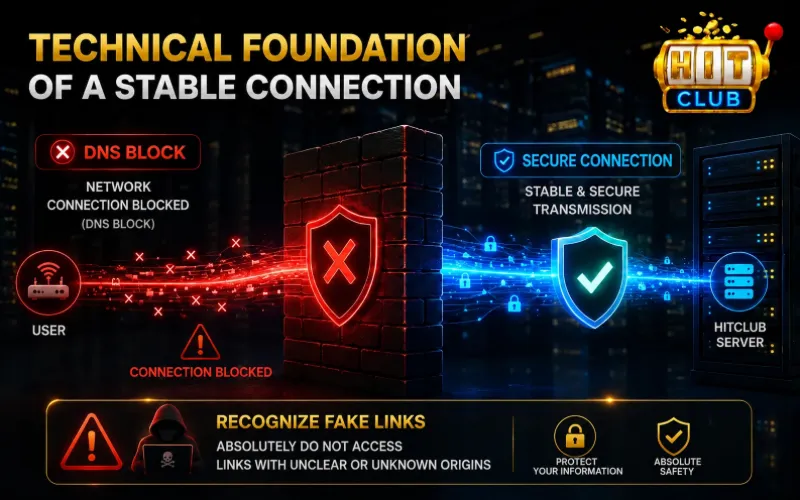
DNS blocking mechanism by domestic isps
When you enter an access address into a standard web browser, your ISP’s system applies DNS block resolution filtering. Consequently, your screen displays common error messages such as ” This site can’t be reached ” (err_connection_timed_out) or “connection refused,” forcing players to look for immediate ways to fix access errors.
Risks of unverified mirror links
While searching for methods to fix access errors, members must strictly avoid clicking on “mirror” links or unverified secondary URLs floating on unofficial forums. Accessing unverified links not authorized by Hitclub exposes your device to man-in-the-middle attacks, potentially leading to leaked login details and lost account balances.
Technical solutions to fix access errors
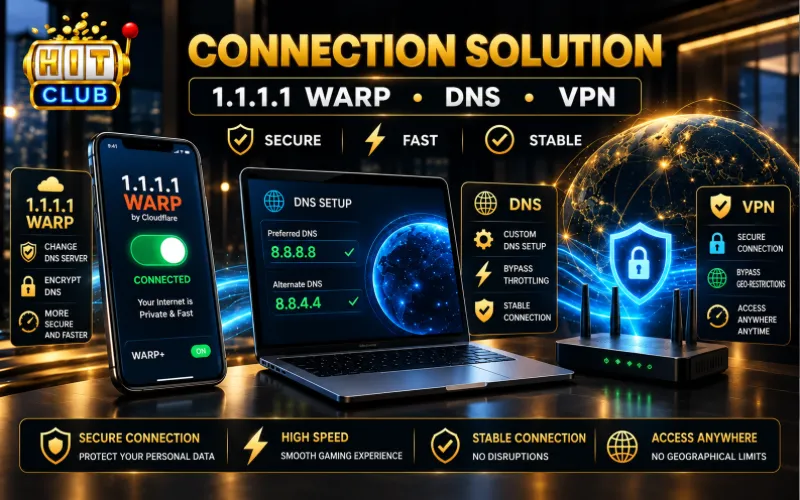
To optimize your connection and establish a secure line, members should apply one of the following three technical methods:
Solution 1: Use the 1.1.1.1 dns switcher app
This is the simplest, safest, and most optimal method to fix access errors across all mobile devices (Android & iOS).
- Step 1: Visit Google Play Store or App Store, search for “1.1.1.1: Faster & Safer Internet” published by Cloudflare.
- Step 2: Download and open the application.
- Step 3: Toggle the switch on the main screen to the “Connected” state; the system will activate the WARP protocol to encrypt your device’s DNS.
- Step 4: Reopen your browser or launch the Hitclub app to resume normal access.
Solution 2: Manually change dns settings on pc
If accessing via a personal computer, changing your DNS to Google’s public IP address will help bypass ISP blocking filters quickly, thereby resolving access errors effectively:
- Step 1: Open Control Panel -> select Network and Sharing Center -> select Change adapter settings.
- Step 2: Right-click on the active network connection and select Properties.
- Step 3: Double-click on Internet Protocol Version 4.
- Step 4: Check “Use the following DNS server addresses” and enter Google’s addresses: Preferred DNS server: 8.8.8.8 and Alternate DNS server: 8.8.4.4
- Step 5: Click OK to save the configuration.
Solution 3: Use a high-quality vpn app
In cases where international bandwidth is throttled, using a reputable VPN application and selecting server locations in neighboring countries (such as Singapore or Hong Kong) will help optimize loading speeds, maintain connection stability, and permanently resolve access errors.
Asset protection policy during sudden disconnections
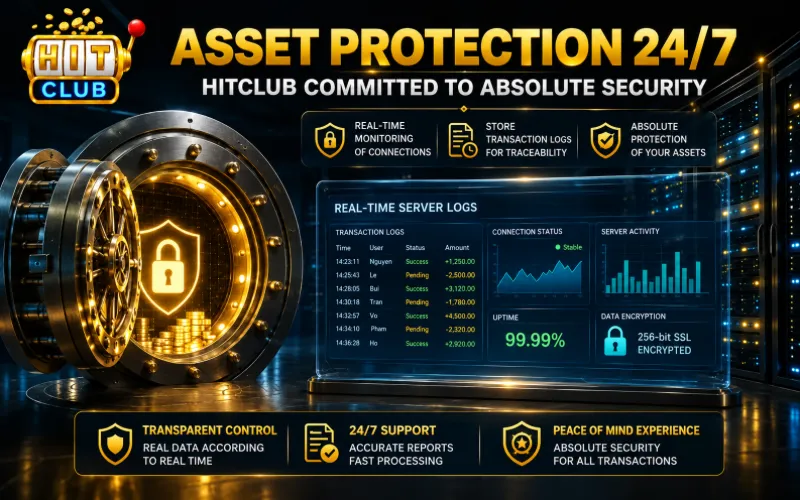
Members often worry that connection interruptions while placing bets or making deposits/withdrawals will cause a loss of funds. Hitclub’s legal compliance department commits to:
- State Freezing Mechanism: As soon as the server records a sudden disconnection from your device, all uncompleted transaction states will be automatically saved by the system to await reconnection.
- Verification via Server Logs: All financial transaction data frozen due to local network drops are recorded on the main server in real time. Customer service will use these logs to verify and process transactions accurately, guaranteeing absolute security for players’ balances.
To permanently fix access errors and eliminate 99% of blocking risks, members can install the Hitclub app. Alternatively, you can access the official link verification page to ensure the safest connection.